Your GitHub Activity Is a Portfolio (You're Just Not Using It)
Your GitHub profile can win you clients while you sleep. Learn how to turn your existing activity into a freelance portfolio that builds trust and lands projects.
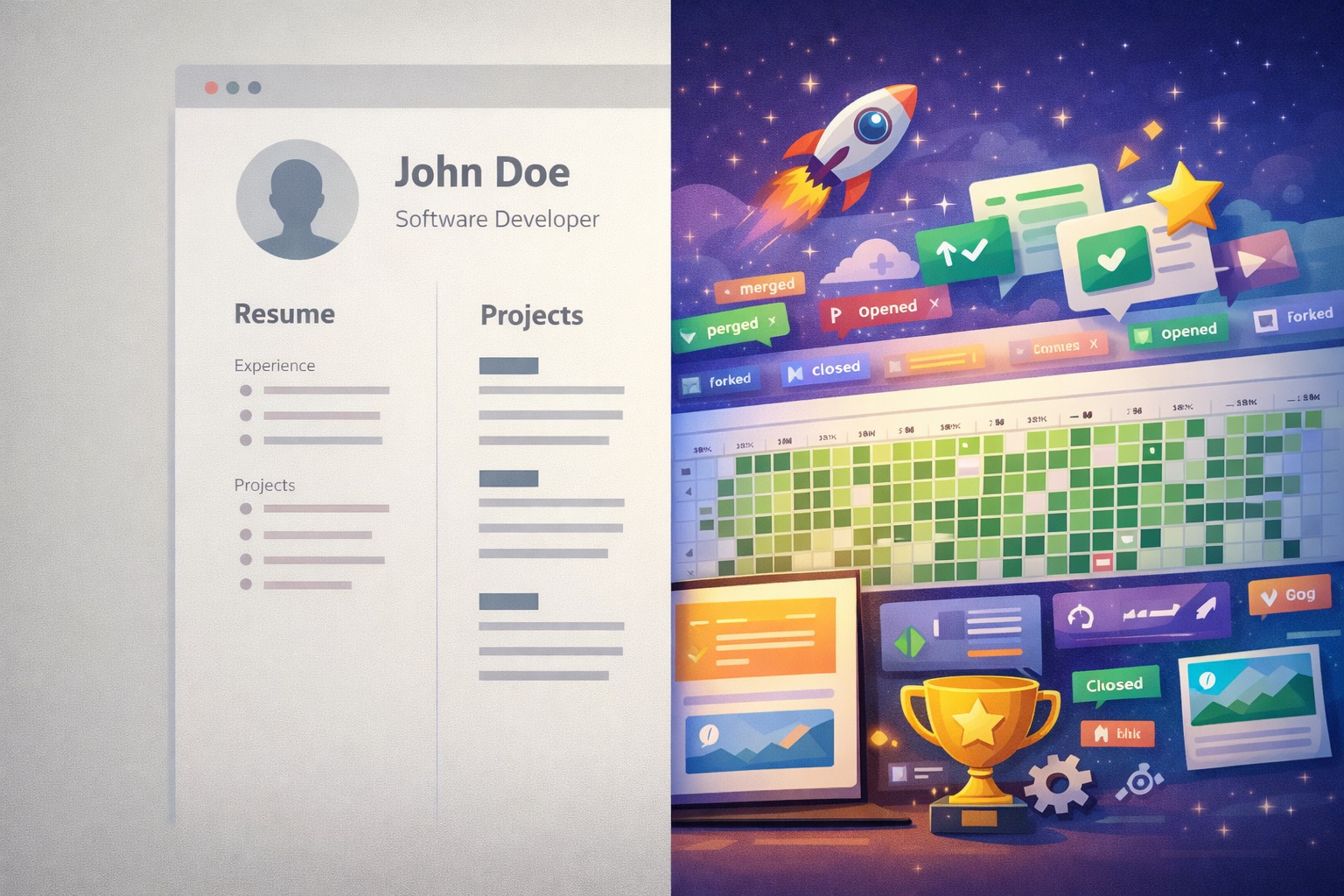
TL;DR: Your GitHub profile is already a portfolio, you are just not treating it like one. Pin 3-6 of your best repos with solid READMEs, create a profile README that tells potential clients who you are and what you build, and focus on quality over quantity. For freelancers, a polished GitHub profile builds trust faster than any pitch deck ever will.
If you freelance as a developer, your GitHub profile is pitching for you 24/7, whether you realize it or not. Potential clients, especially technical ones, will check your GitHub before responding to your proposal. What they find there can land you the project or get you quietly passed over.
The problem is, most freelancers treat GitHub like a storage locker. Random repos, no documentation, half-finished side projects, and a profile that says absolutely nothing about who they are or what they can do. That is a missed opportunity, especially when you are competing with dozens of other freelancers for the same gig.
The good news? You do not need hundreds of repos or thousands of contributions. You just need to be intentional about what you show and how you show it. Here is how to turn your GitHub into a client-winning portfolio.
What Clients Actually Look At
Before diving into the how, it helps to understand the what. When a potential client clicks your GitHub profile, here is what typically happens:
- First 5 seconds: Do you have a profile picture, a bio, and pinned repos? If not, they might already be clicking away.
- Next 30 seconds: They click on one or two interesting repos. Do those repos have a README? Screenshots? A demo link?
- If still interested: They look at code structure, whether you wrote tests, and the actual quality of your code.
That is it. They are not reading every line you have ever written. They are looking for signals that you are professional, organized, and capable of delivering real work.
Set Up Your Profile README
This is probably the single highest-impact thing you can do. GitHub lets you create a special repository with your exact username (for example, if your username is janedoe, you create a repo called janedoe). The README in that repository appears right at the top of your profile page.
Think of it as your elevator pitch in markdown.
What to Include
- A short intro: Who you are and what kind of work you do. Two to three sentences is plenty.
- Your tech stack: List the languages, frameworks, and tools you work with. Icons or badges can make this scannable.
- Featured projects: Link to one or two standout projects with a brief description of each.
- Contact info: How people can reach you. LinkedIn, email, personal site.
What to Skip
- Walls of animated GIFs and meaningless badges. They look flashy but say nothing.
- Long paragraphs nobody will read. Keep it tight.
- GitHub stats widgets unless they actually look good for your profile. A grid showing mostly gray squares does not help.
The goal is to answer three questions in under 10 seconds: who are you, what do you build, and what are you good at?
Pin Your Best Repositories
GitHub lets you pin up to six repositories at the top of your profile. This is prime real estate, and you should use it strategically.
How to Choose What to Pin
- Pick projects you are genuinely proud of and can walk a client through on a call
- Show range if possible - maybe a frontend project, a backend API, and a tool or automation script
- Make sure every pinned repo is actually finished, or at least in a presentable state
- Avoid forked repos you never modified and tutorial clones
Red Flags to Avoid
Pinning repos that are empty, broken, or have zero documentation is worse than not pinning anything at all. If a potential client clicks on your pinned project and sees no README, no description, and one commit from two years ago, that tells a story you do not want told.
Write READMEs That Actually Explain Things
A great README is probably the most underrated skill in a developer's toolkit. It shows that you can communicate, not just code. Every pinned repository should have a README that follows a simple structure.
The What-How-Why Framework
What is this project?
- A clear, one-line description at the top
- Screenshots or GIFs showing the project in action (this alone puts you ahead of most developers)
- The tech stack used
Why does it exist?
- What problem does it solve?
- Who would use it and why?
How do I use it?
- Installation and setup instructions
- Usage examples
- Any prerequisites or configuration needed
You do not need to write a novel. A README that covers these three areas in a few hundred words with a screenshot or two is more than enough. The bar is genuinely low here because so few developers bother at all.
Pro Tips for Better READMEs
- Store images and GIFs in a
/resourcesfolder in the repo so they do not clutter the root - Add a live demo link if the project is deployed (Vercel, Netlify, GitHub Pages)
- Include a "What I Learned" section. Clients love seeing this because it shows self-awareness and a growth mindset
- Fill in the repository's "About" section with a short description and relevant topics/tags
Make Your Code Look Professional
When someone actually opens your code, what they see matters. You do not need to be a wizard, but your code should look like a professional wrote it.
The Basics That Make a Big Difference
- Consistent naming: Use meaningful variable and function names.
calculateTotalPrice()tells a story.fn1()does not. - Logical structure: Organize files and folders in a way that makes sense. A flat dump of 30 files in one directory is hard to navigate.
- Clean commits: Write meaningful commit messages. "feat: add user authentication flow" is useful. "fix stuff" and "asdfgh" are not. Use the Conventional Commits format if possible.
- No secrets: Never commit API keys, passwords, or
.envfiles. Use a proper.gitignore. Committed secrets are a huge red flag for anyone evaluating your work. - Tests: Even basic tests show that you think about code quality. You do not need 100% coverage, but having a test file or two signals professionalism.
Quality Over Quantity
This cannot be stressed enough. Three well-built, well-documented projects make a stronger impression than twenty random repos with no context. If a repo does not represent your current skill level, archive it or make it private. Curate your public profile like you would curate a portfolio.
Show Consistent Activity
Your contribution graph, that green grid on your profile, tells a story. It does not need to be solid green every single day, but it should show that you are regularly writing code.
Easy Ways to Stay Active
- Make small, meaningful improvements to existing projects
- Contribute to open source, even if it is just fixing typos in documentation or reporting bugs
- Enable private contributions in your settings (Settings, then Contributions & Activity, then toggle "Include private contributions"). This fills in your graph with work done in private repos without revealing any details.
What Matters More Than the Graph
Consistency is good, but authenticity matters more. Making empty commits just to keep the graph green fools nobody. Real contributions, even if they are spread out, always look better than fake activity.
Contribute to Open Source
Open source contributions are one of the strongest trust signals you can build as a freelancer. They show you can work with other people's code, follow contribution guidelines, and communicate clearly through issues and pull requests. For clients, that translates directly to "this person can jump into my codebase and be productive."
You do not need to contribute to massive projects. Starting small works perfectly fine:
- Fix documentation errors or improve clarity
- Report well-written bug reports with reproduction steps
- Pick up issues labeled "good first issue"
- Fork a project, make a genuine improvement, and submit a pull request
If you make meaningful contributions, mention them in your profile README. It is legitimate proof that you can collaborate.
Use GitHub Pages for Extra Impact
If you want to go the extra mile, GitHub Pages lets you host a free website directly from a repository. You can use this to:
- Create a freelance portfolio showcasing your projects with context and case studies
- Host live demos of your work so clients can see it in action without cloning anything
- Write a technical blog demonstrating your expertise in your niche
A working demo link in your README is worth more than a thousand lines of code a client will never run. When a prospect can click a link and immediately see a working product, you have already answered their biggest question: "Can this person actually deliver?"
Tailor Your Profile to Your Niche
What you showcase should align with the kind of freelance work you want to attract. If you specialize, your GitHub should reflect that.
- Frontend freelancers: Pin projects with strong UI/UX work. React, Vue, or Angular projects with clean designs and responsive layouts.
- Backend freelancers: Show APIs, microservices, and database-driven projects. Include API documentation and architecture decisions.
- Automation and scripting: Tools that save time, process data, or integrate systems. These resonate with small business clients.
- Full-stack freelancers: A mix that shows you can handle a project end to end.
You do not need to cover every category. Focus on depth in your niche rather than breadth across everything. Clients hire specialists, not generalists.
Common Mistakes That Cost You Clients
Here is a quick hit list of things that hurt your profile:
- No profile picture or a low-quality image. It looks unprofessional and makes your profile feel abandoned. Clients want to see who they are working with.
- Empty READMEs on pinned repos. If your projects have no explanation, why would a client trust you to document theirs?
- Dead projects with broken code or dependencies that have not been updated in years.
- Giant single commits that suggest the code was copied or hastily thrown together.
- No
.gitignoreresulting in committednode_modules,.envfiles, or build artifacts. - Tutorial repos passed off as original work. Technical clients and CTOs spot these quickly.
Keep Iterating
Your GitHub profile is not a "set it and forget it" thing. Treat it like a living portfolio:
- Review and update it every few months
- Remove or archive projects that no longer represent your skills
- Refresh your profile README as your focus evolves
- Ask a peer or mentor to review your profile and give honest feedback
Add your GitHub link to your freelance proposals, your LinkedIn, your email signature, and your personal site. Share your projects in developer communities with context about what you built and why. When a client can verify your skills before you even hop on a call, you have already shortened the sales cycle.
FAQ
The Bottom Line
Your GitHub profile tells potential clients how you think, what you value, and whether you can deliver professionally. It shows problem-solving ability, attention to detail, and communication skills, all from a single page.
You do not need perfection. You need intention. A clear profile README, a few polished pinned projects with solid documentation, meaningful commits, and consistent activity. That is the formula. A few hours invested in tidying up your GitHub can win you clients that cold outreach alone never will.
ttime
Your work tracks itself. You track the revenue.
Tools
Pomodoro TimerAmbient NoiseTime Card GeneratorMeeting Cost CalculatorProject Cost Estimate CalculatorWorking Days CalculatorFreelance Job FinderBlog
Latest ArticlesThe Freelancer's Guide to Retirement PlanningHow to Say No to Client Requests Without Burning BridgesHow to Negotiate a Rate Increase With Existing ClientsHow to Fire a Bad Client Professionally (And Walk Away Clean)Freelance Contracts 101: Clauses You Should Never Skip© 2026 ttime. All rights reserved.
Built with ♥ for freelancers, by freelancers.